CONGRATULATIONS! YOU'RE IN!

Welcome to the Legacy Builder Program.
Here's what to do next 👇
Complete the following steps (in order) to ensure that you are up and running as quickly and smoothly as possible, and on your way to making $900 in daily sales in no time.
Note >> It is HIGHLY RECOMMENDED to create a bookmarks folder in your browser and to bookmark each page as you go along, so you don't lose the link to any important pages (You can start by ⭐️ Bookmarking THIS page)
Step #1 - Pay The $39 Admin Fee To Access Your Program
Approx: 5min
Click the link below to pay the $39 Admin Fee and access your training portal, along with the provided templates for your website and automated system.
This $39 is a 1-time fee, it's how the company pays for ongoing customer support and program updates, and is what allows members of our program to be able to make 100% on every sale.
Once you get access to your training portal, be sure to ⭐️ Bookmark that page
The point of this step is JUST to pay the $39 website fee and get access to your training portal. Don't start going through the training yet. Continue going through these steps first.
IMPORTANT - After you pay the $39 website fee, you'll be prompted to create a password for your new Kajabi account - DON'T SKIP THIS STEP or you'll need to go through Customer Support to fix it.
Step #2 - Get Access To Our Private Skool Community
Approx: 5min
Our private Skool community (The Digital Growth Community) is where you'll get access to the ongoing LIVE support available inside of our program.
>> Daily training videos
>> 24/7 Tech & Customer Support
>> Live mentoring calls on Zoom
>> Interact with our other program members
To join our private community, once you have gotten access to your program inside of the Kajabi portal, click into the program level you purchased and then click the image that says "Click here to access our community".
2 IMPORTANT THINGS TO REMEMBER
Note 1 >> In order for you to successfully gain access to our community, you MUST make sure that the sign up form says "Customer Support Invited You". Otherwise your form will be automatically declined.
This is because our Skool community gets hundreds of random requests to join on a daily basis.
However, the only way to access our community is as a paid member through the specific invitation link inside the Kajabi portal.
So check the form you're looking at as you're filling it out - if it does NOT say "Customer Support invited you", STOP, close the page, and then click back through the link inside your Kajabi portal to reactivate the invitation link.
Note 2 >> The 2nd step to getting accepted into the community is to ensure that all 4 membership questions are answered. If you don't answer the membership questions, your membership will not be approved.
The questions are:
Who did you purchase from: [Shirley Dodson]
What did you buy, and what date: $900 Legacy Builder on [Date]
3rd question is open answer, just be sure to answer it.
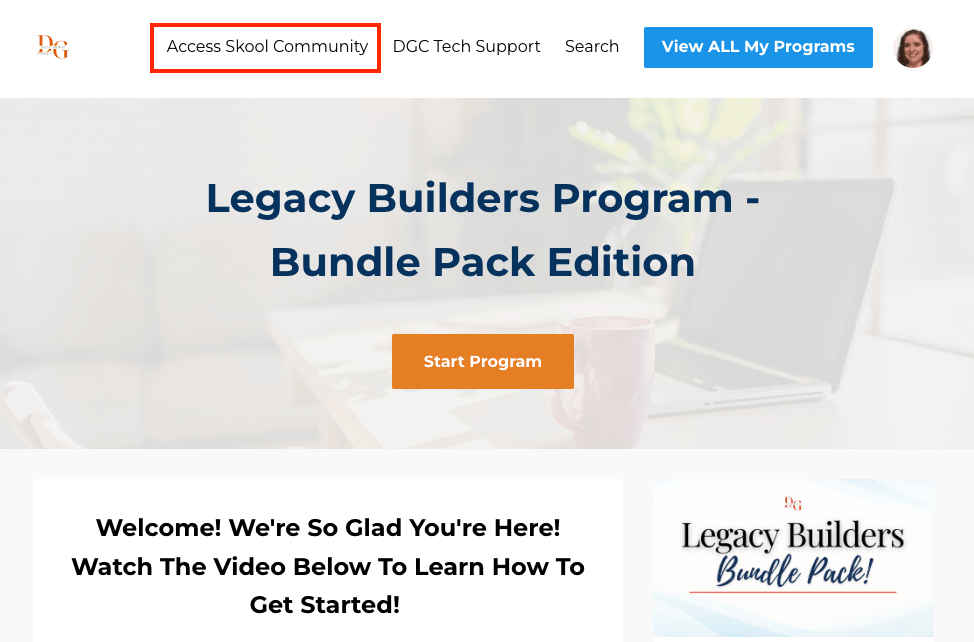
>> NOTE: Your Portal will say "Legacy Builder Program". You do not have the Bundle Pack. I don't have access to the other programs to get a screenshot.
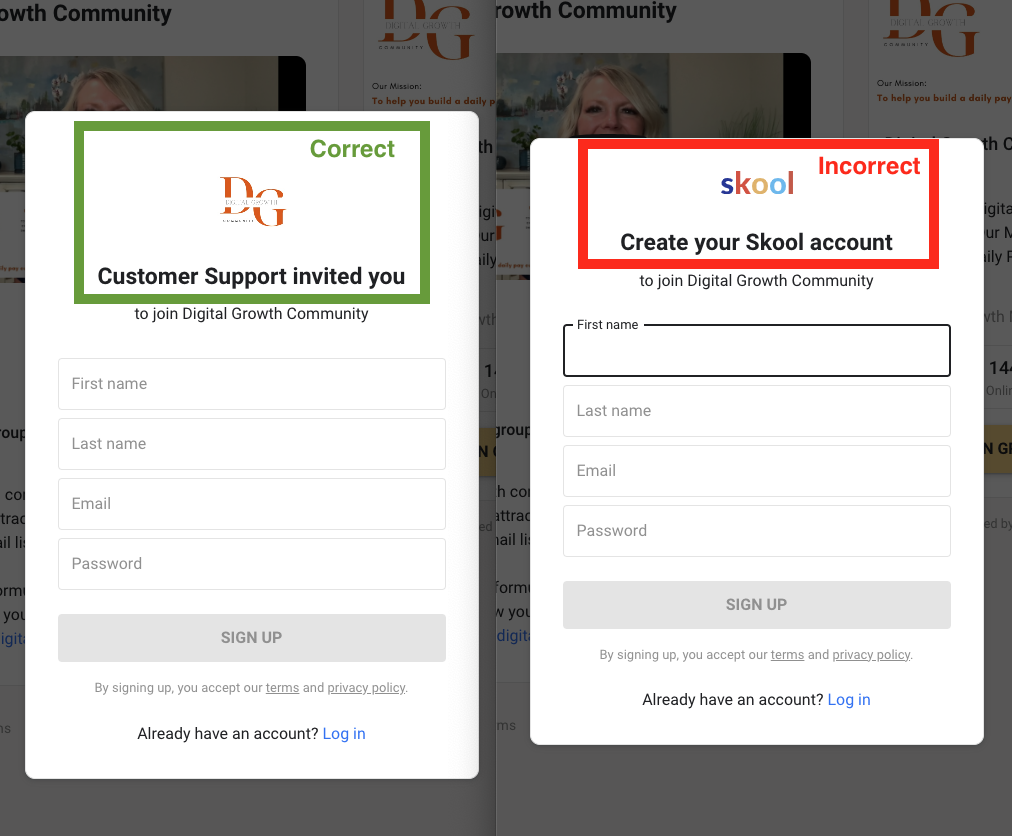
>> Make sure your registration form says "Customer Support invited you", or your form will be automatcially declined.
Step #3 - Create Your Systeme.io Account
Approx: 5min
The magic of our program comes from our use of an "automated system", which puts our businesses on autopilot, working behind the scenes 24/7 while we are living our lives.
This is what allows us to:
>> Follow a 2hr workday
>> Make sales to people we've never spoken to
>> Wake up to sales we made overnight
>> Make unlimited sales per day
You'll get access to pre-built templates for your automated system inside of your Kajabi training portal. But first, you'll need to create your Systeme.io account.
Click the button to create your FREE account
This is 100% FREE until you choose to upgrade
Note >> Once you sign up, Systeme will redirect you to an Upsell page that makes it seem you have to purcahse a paid plan. This is a marketing gimmick. The platform offers a free-forever tier, as long as you keep your account under certain levels, and we'll show you how to do that.
Click out of that page, and go look for the welcome email Systeme sent you to the email you signed up with. Click on that email to create a password for your account, and get access to your dashboard.
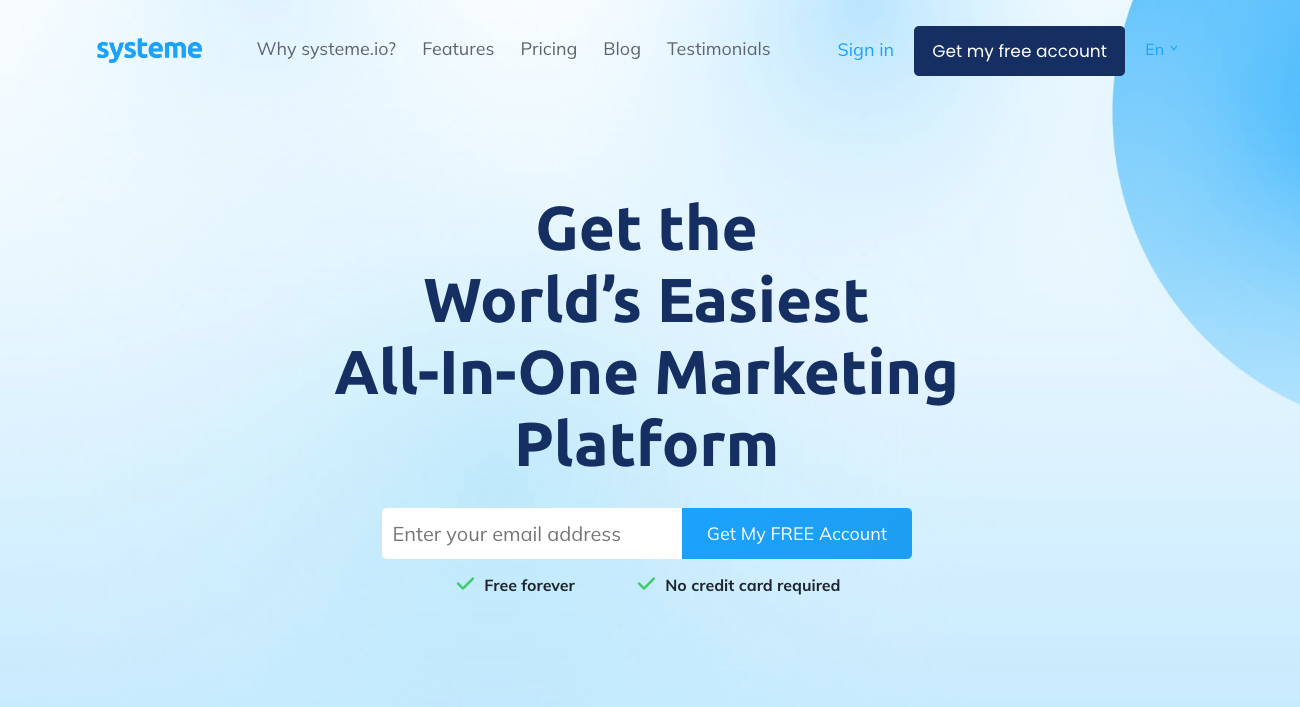
>> ⭐️ Bookmark this page
>> Create your 100% FREE Systeme.io account
>>Click OUT of the upsell on the next page, and create your password to finish logging into your free account.
Step #4 - Join The Ready Set Thrive Community
Approx: 5min
Inside the Ready Set Thrive Community is where I offer addtional training, resources and support to my own Legacy Builder customers.
This will include:
>> Exclusive "Thriving Legacy Builders" Module
>> Exclusive guides, workbooks & planners
>> Live training calls & audits
>> Access to replays if you can't attend live
As a Legacy Builder member, you will also get FREE access to my Thrive GOLD Membership, unlocking additional trainings in mindset, money & manifestation to build a life that you love!


>> ⭐️ Bookmark this page
>> Access to "Thriving Legacy Builders" Module
>> Access to "Copy-Paste-Profit" Module
Step #5 - Check Your Bookmarks
Approx: 5min
It would be a shame to get access to a life-changing program, and then lose the important pages you need access to.
DON'T LET THAT HAPPEN.
Take this moment to double-check that you've actually bookmarked all the important pages that you need access to for this program, and that this bookmark folder is somewhere you can find quickly and easily.
If you are using a Google Chrome browser, I recommend saving this folder to your Bookmark Bar.
You should have the following pages bookmarked. If you don't, be sure to do that now:
>> Your Kajabi Training Portal [Link]
>> Our DGC Private Skool Community [Link]
>> Your Syteme.io account [Link]
>> The Ready Set Thrive Skool Community [Link]
Depending on how quickly you went through these steps, you might not have gotten access to our Skool community yet. But if you save the link in your Bookmark folder, it will still take you to the community once you do get approved and have access.
And of course you can always access our Skool community through your Kajabi portal.
Make Sure You Bookmarked...
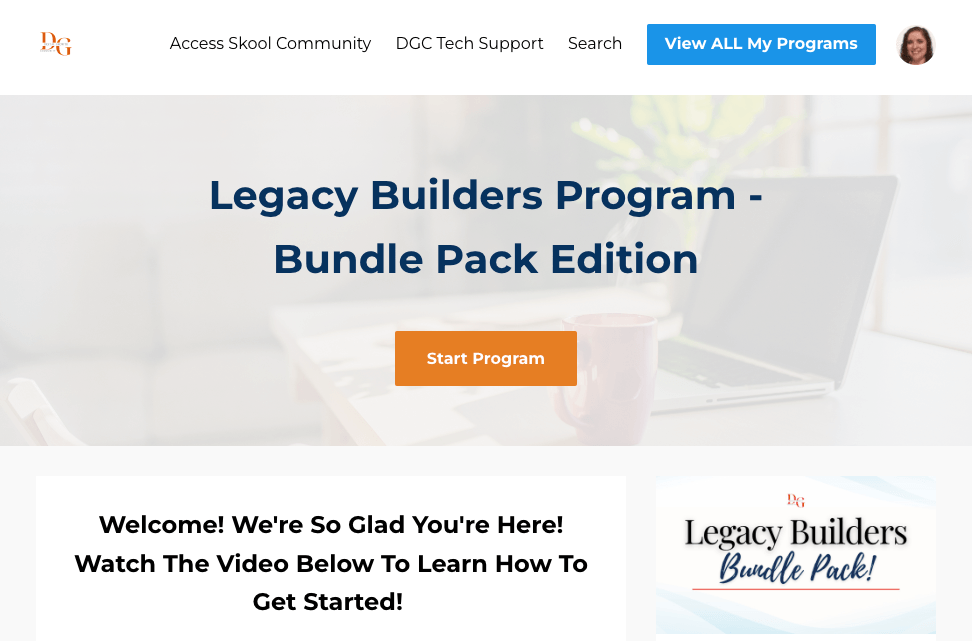
>> Your Kajabi Training Portal
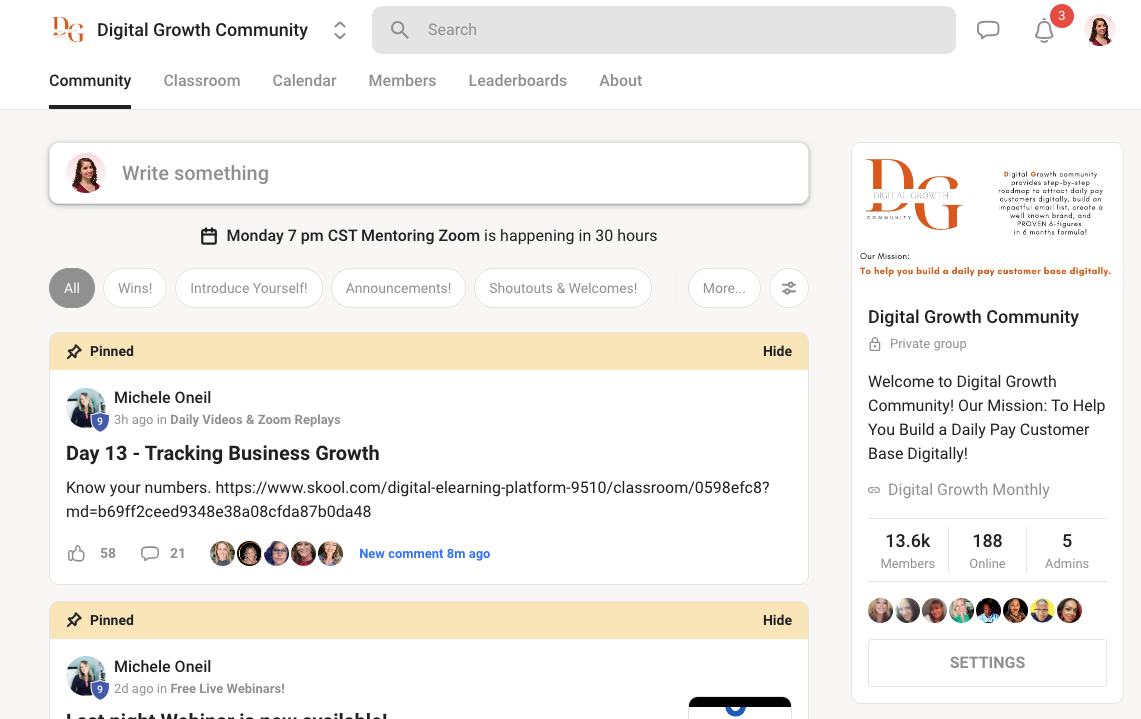
>> Our DGC Private Skool Community
>> Your Systeme.io Account
>> The Ready Set Thrive Skool Community
Step #6 - You're Ready! Let's start the program! 🙌
You now have everything you need in place to get started and begin working through the program!
A few things to keep in mind:
>> REMEMBER to go through the program at the level that you purchased (ie: The Legacy Builder portal). That's where all your correct template links are
>> Remember to plug into our DGC community DAILY as you're going through the program, and watch the DAILY training videos Michele shares everyday. These will be pinned on the 1st page of the community so you can find them quickly and easily. This is where the power of our program is.
>> Remember that we're learning and following a PROVEN process that has a solid track record of changing lives and building legacies. Commit to following the proven process and the results will come.